Walk through your studio or scan your remote team’s active statuses on a Tuesday afternoon, and you are bound to observe a familiar, quiet struggle.
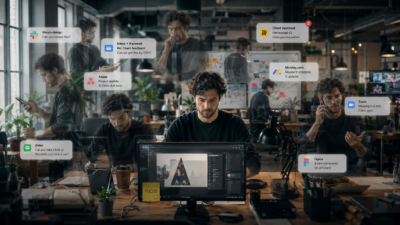
Your designers, writers, and editors look busy. Their keyboards are clacking, and their Slack rings are lit up. Yet, looking at the creative pipeline, there is a strange, heavy drag. You begin to notice small, frustrating glitches consistently slipping through the cracks:
- A client’s explicit request to “change this font to blue” is missed entirely in the final render, even though it was discussed on a call.
- Creative milestones are sliding, and when you ask for a simple status update, you are met with a defensive, repetitive: “I’m working on it, just wrapping up.”
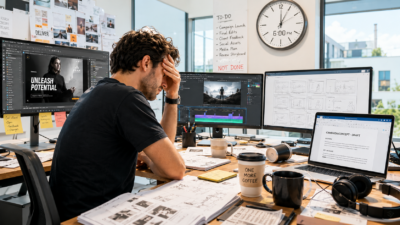
- Your team is complaining of profound exhaustion and burnout, yet when you look at the actual volume of creative deliverables shipped, the output doesn’t seem high enough to justify that level of fatigue.
Your gut reaction as a leader is entirely logical. You assume your team is losing the battle against modern, personal distractions. You wonder if they’re checking their phones too much, scrolling through Instagram, or if they simply need a workshop on time management and discipline.
You are partially right. They are distracted. But the distraction isn’t a personal character flaw—it is coming from inside the house.
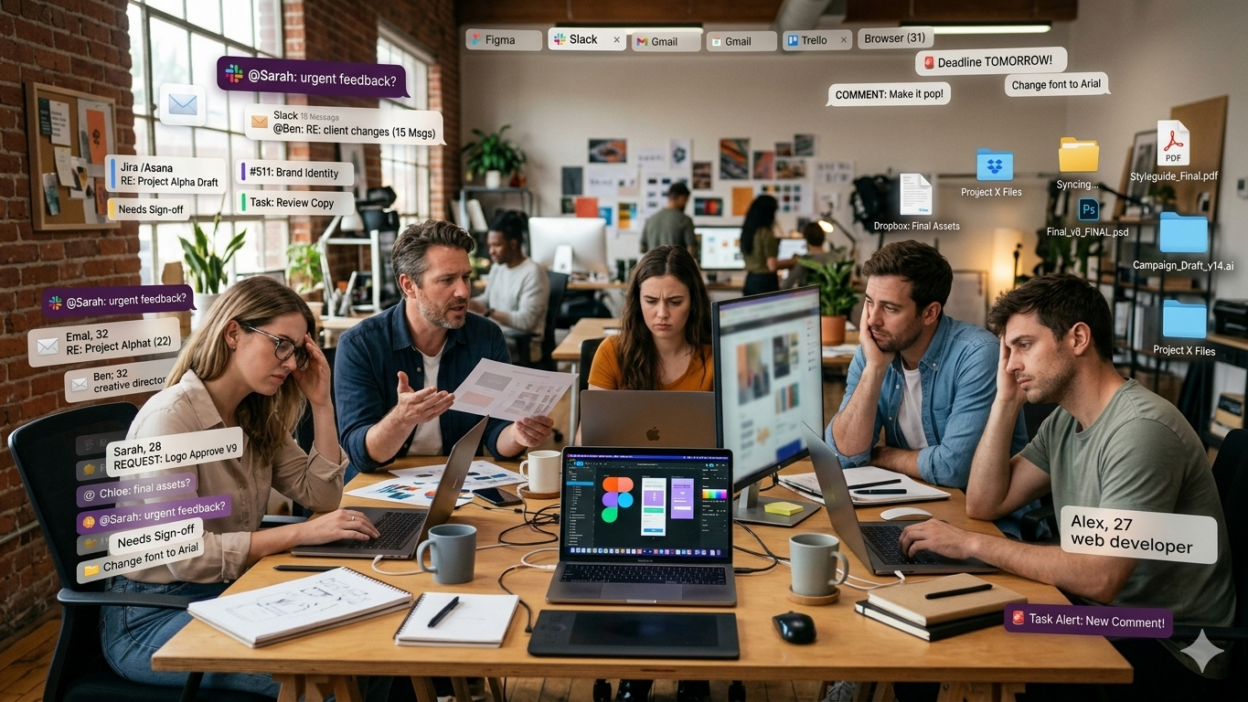
It isn’t social media that is fracturing their focus; it is the fourteen browser tabs you’ve forced them to keep open just to do their jobs. The truth is, your team isn’t undisciplined. Your tool stack is broken, and it is costing you your best talent.
The Misdiagnosis of the “Lazy Creative”
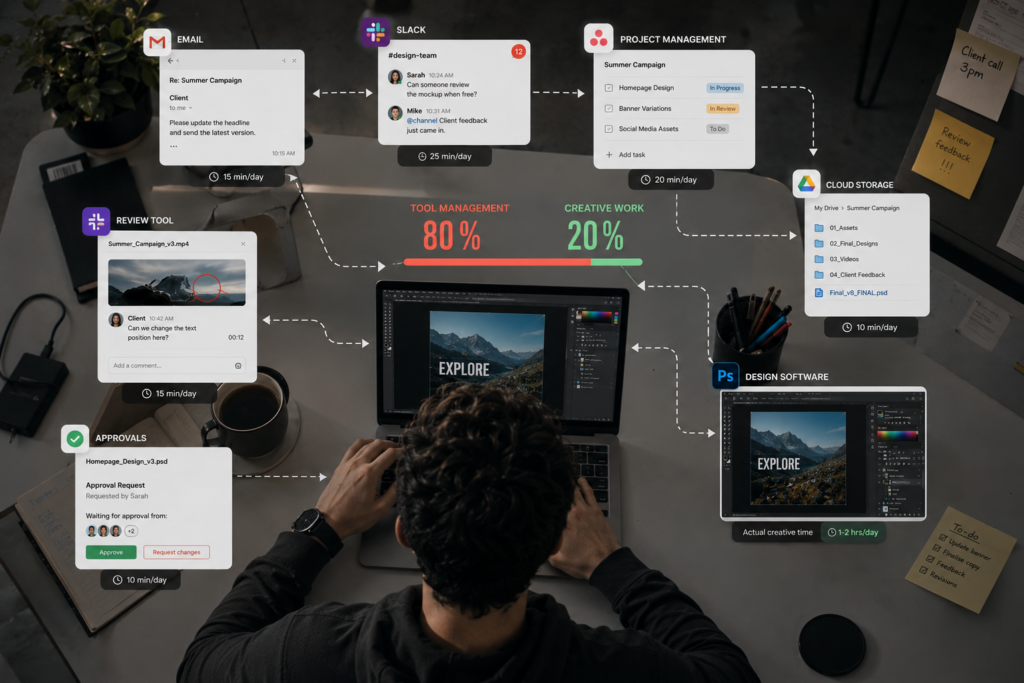
In our industry, we have a bad habit of misdiagnosing workspace clutter as a behavior or discipline issue. When a motion designer takes four hours to implement a simple five-minute feedback edit, the default leadership response is to question their work ethic or efficiency.
But if you look closely at their screen, you will discover that they aren’t actually designing. They are performing a tedious “digital commute.”
To resolve that single five-minute feedback edit, your creative has to:
- Open their email or task tracker to find the client ticket.
- Jump to Slack to see if the account manager clarified what the client actually meant.
- Open Google Drive or Dropbox to hunt for the updated asset folder.
- Download the correct file version (and pray it’s the real “final”).
- Open their design software to implement the change.
- Export the asset, open Frame.io, upload the new version, and type out a comment.
- Return to the task tracker to update the project status.
This is high-frequency Context Switching disguised as “staying organized.” Your creative team isn’t slow because they lack talent or inspiration; they are slow because you have turned highly compensated artists into manual data-entry clerks.
The Science of the Micro-Shattered Day
We often talk about the time lost to tool hopping, but we rarely calculate the cognitive cost. Creatives desperately want to do great work. They thrive on the psychological high of Deep Work – that beautiful, immersive state where hours feel like minutes and breakthrough ideas are born.
But a modern agency stack is actively designed to destroy the possibility of a Flow State.
Every time a separate notification pings—whether it’s a Slack message, a project ticket update, or an upload alert—it slices the creative’s day into tiny, 10-minute fragments. You cannot build a complex cinematic sequence, design an integrated brand system, or write high-converting copy in 15-minute bursts.
When your team constantly interrupts their work to check a tool, they pay a steep price known as Attention Residue.
First defined by researcher Dr. Sophie Leroy in her seminal paper on modern workplace focus, Attention Residue is the cognitive drag that occurs when you switch from one task or platform to another. When a designer leaves their canvas to answer a “quick question” on Slack, their brain does not instantly snap back to 100% capacity when they return to Figma. A portion of their active working memory remains “stuck” on that Slack conversation.
By forcing your team into constant context switching just to perform basic workspace updates, you are keeping them in a state of perpetual cognitive debt. By the time they finally get a quiet hour to create, their mental battery is empty. They aren’t lazy; they are cognitively bankrupt.
Don’t Guess Your Design Team’s Focus Leakage.
Quantify your studio’s friction.
The Talent Trap: When Masters Do Digital Chores
This workspace clutter does more than slow down production; it quietly destroys your team’s sanity.
Consider the economics of your studio. You are paying top-market salaries for Senior Art Directors and Lead Motion Designers because of their taste, their technical skills, and their creative vision. Yet, if you look at their daily logs, you will find they are spending up to 70% of their day performing “digital filing”—hunting down links, downloading files, reconciling mismatched feedback across three tools, and manually logging changes.
This creates a frustrating emotional cost. Creatives derive their professional self-worth and energy from what they produce, not from the tickets they move across a progress board. When they spend the vast majority of their day battling tool noise and administrative overhead, they experience a deep, existential frustration.
This is the real, unvarnished root of modern Creative Burnout.
Your best people don’t quit because the visual briefs are too challenging or because the client demands are too high. They quit because the administration of the work has become exhausting. They leave to find studios that respect their cognitive capital enough to protect it from the constant, buzzing static of a broken tool stack.
The Structural “Cannot Fixes” vs. The Fixable Root Cause
When faced with sliding deadlines and exhausted teams, many agency owners try to write more rules to get out of the problem. They introduce stricter guidelines, build over-engineered checklists, or add “quick alignment syncs” to the calendar.
But you cannot process your way out of a fundamentally broken workspace.
Let’s be honest about the structural realities of our industry:
- You cannot eliminate client ambiguity. Clients will always change their minds, and briefs will always have holes. That is why they hire an agency to begin with.
- You cannot stop team alignment. Creative work requires communication and collaborative debate to stay on brief.
These are the “cannot fixes.” They are the natural landscape of creative services.
However, you can stop building an environment that forces your creators to navigate seven different tabs to resolve a single feedback loop. The problem isn’t that clients are vague or that meetings happen; it’s that your tools force your creatives to act as “middlemen” between the work itself and the systems tracking the work.
As we’ve analyzed in our breakdown of Agency Tool Sprawl, having a separate, specialized app for every micro-stage of a campaign is not a robust setup—it is a direct tax on your team’s creative flow.
Becoming a Cognitive Protector
To stop the talent leak and reclaim your studio’s delivery speed, you must shift your perspective. Your primary job as a Creative Director is no longer just directing the work; it is becoming a cognitive protector for your team.
You must collapse the physical distance of the “digital commute” by moving toward a Unified Creative OS.
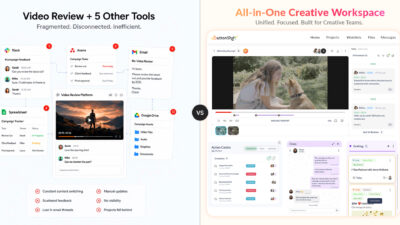
This doesn’t mean finding a way to integrate your seven different tools so they send more automated pings to each other. An integration is often just digital duct tape that automates the distraction. True consolidation means adopting a workspace where the Task, the Asset, the Conversation, and the Feedback live in the exact same container.
When the feedback is pinned directly to the file, and that file is tied directly to the task status inside your active project pipeline, the “reboot time” of your team’s brains drops to near-zero. They no longer have to translation-check across three apps just to understand what to do next.
The Bottom Line
The next time you find yourself getting frustrated by a sliding deadline, a missed feedback detail, or a team that seems perpetually overwhelmed, do not suggest a time management class.
Go sit next to one of your designers. Watch them work for an hour. Count how many times they have to leave their creative canvas to check a status, find a file, or write an administrative update.
You won’t see a team that is distracted by the outside world. You will see a team that is bravely fighting its own tools just to ship a campaign.
Stop punishing your team for the friction created by your stack. It’s time to clean up the workspace and give your creatives their focus back.
Reclaim Your Studio’s Focus & Margins
If you’re ready to step off the tab-hopping treadmill and return to high-velocity, deep creative work, let’s explore how a Unified Creative OS streamlines your entire campaign delivery.